



Practical IT training · Ludhiana

Data & analytics · Ludhiana

Data Science & Machine Learning Foundations in Ludhiana

Build and evaluate a small predictive model using appropriate data and a clear baseline. Learn validation, leakage checks and how to communicate limits.

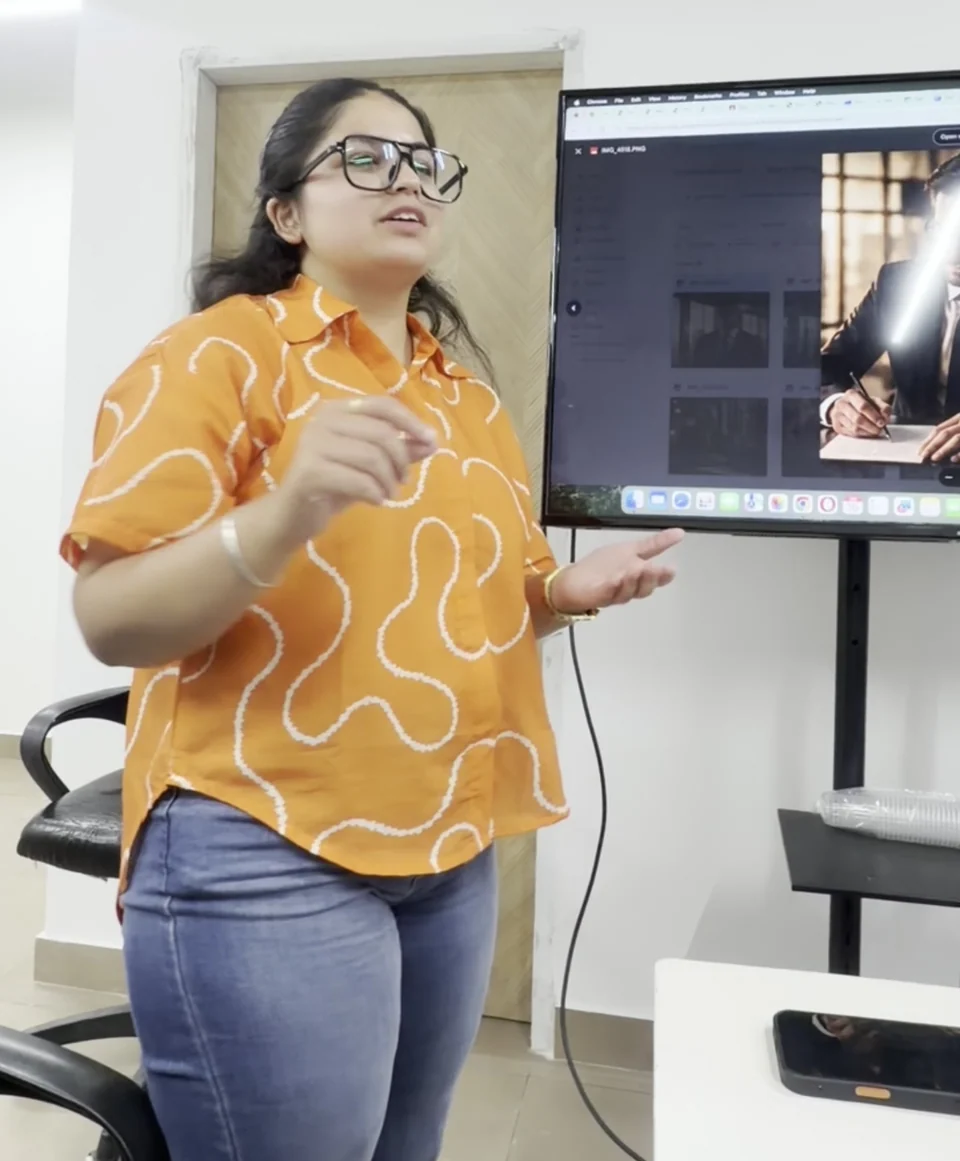
A learner explaining her work during a class activity

Tools you’ll learn to use

PythonNumPypandasscikit-learnChatGPT / OpenAICursorGitHub CopilotPyTorchFastAPIClaudeMCPDocker
Machine learningModel evaluationData exploration

Current skills · practical learning in Ludhiana

What’s new in the AI era?

Use AI-assisted experimentation while keeping datasets, evaluation and resource choices reproducible.

Reviewed See the full syllabus ↓
2026 industry perspective


ChatGPT / OpenAICursorGitHub Copilot

Jensen Huang on the shift to AI agents

AI agents can take on multi-step coding tasks. Huang’s 2026 keynote and NVIDIA’s engineering account connect that shift to day-to-day software work.

In this course

Ask an assistant to scaffold a baseline experiment, inspect preprocessing and test for leakage before comparing results.

The classroom task focuses on code understanding, tests and reviewed changes.

Explore module 06
Sources & expert videos
Connected-tool lab
ClaudeMCP

MCP: give an assistant useful tools

MCP lets an assistant discover and call connected tools. A useful workflow needs clear inputs, permissions and a result you can check.

In this course

Design a restricted prediction or dataset-summary tool with validated inputs, model metadata and clear output limitations.

Start with a scoped test server and approved sample data.

Explore module 11
Sources & expert videos
October 2026 perspective
PythonDocker

Local AI: understand the hardware trade-offs

Huang and Nadella’s October discussion highlights AI agents on PCs. Choosing local or hosted execution involves practical resource and privacy trade-offs.

In this course

Compare the resources needed for a small local model and a hosted option, recording latency, privacy and cost assumptions.

A comparison exercise; specialist NVIDIA hardware is not required or promised.

Explore module 12
Sources & expert videos

These workflows connect to the modules below. We use approved sample projects and check the software, account access and costs before a lab.

At a glance

Is this your next learning step?

Choose the route for the work you want to practise. Your starting exercise helps set a realistic level and project scope.

Compare all courses →
Who it suits
Students with Python and mathematics foundations
Starting skills
Python, basic statistics and data handling
Tools & access
Python and data-analysis tooling on a suitable computer, plus a documented training dataset.
Level & learning format
Beginner foundations through advanced, supervised project practice. Start at your assessed level and agree the modules and schedule for academy-based training in Ludhiana.
Mentor, schedule & intake
Confirm the assigned mentor, current availability, class days and contact hours with the academy before enrolment.

Your learning pathway

Beginner foundations. Advanced project skills.

See what you’ll learn at each level. Open a module for the topics and tools, then work towards a complete, scoped project.

Start with the essentials

Beginner syllabus

What you’ll build: Explore a dataset with Python and build a simple model with a trustworthy evaluation baseline.

  1. Python for data work

    Notebook and environment setup; functions and collections; reproducible files and random seeds.

    Tools: Python

  2. NumPy and Pandas foundations

    Arrays and vectorised operations; DataFrames and joins; missing values and data types.

    Tools: NumPy · pandas

  3. Statistics and exploration

    Distributions and summary statistics; visual comparisons; correlation, sampling and misleading conclusions.

    Tools: Python · pandas

  4. Preparing a modelling dataset

    Define target and features; train, validation and test splits; prevent leakage and document data provenance.

    Tools: scikit-learn

  5. Supervised learning foundations

    Regression and classification; simple baselines; meaningful metrics and error analysis.

    Tools: scikit-learn

  6. First modelling study

    Train a baseline and compare one alternative; explain feature preparation; report results without overstating accuracy. Current workflow: Jensen Huang on the shift to AI agents.

    Tools: scikit-learn · pandas · ChatGPT / OpenAI · Cursor · GitHub Copilot

Build on your foundations

Advanced syllabus

What you’ll build: Develop an evaluated machine-learning pipeline and a small deployable prediction demonstration with documented limits.

  1. Pipelines and model selection

    Preprocessing pipelines; cross-validation and hyperparameters; regularisation and reproducible experiments.

    Tools: scikit-learn

  2. Advanced classical models

    Tree ensembles and boosting concepts; class imbalance; feature importance and calibration.

    Tools: scikit-learn

  3. Unsupervised learning

    Clustering and dimensionality reduction; outlier detection; validate whether groupings are useful.

    Tools: scikit-learn

  4. Neural networks with PyTorch

    Tensors and autograd; training loops and optimisation; overfitting, transfer learning and suitable small datasets.

    Tools: PyTorch

  5. Deployment and responsible use

    Persist preprocessing and model together; a FastAPI prediction endpoint; input checks, drift concepts and model limitations. Current workflow: MCP: give an assistant useful tools.

    Tools: FastAPI · scikit-learn · Claude · MCP

  6. Machine-learning project

    Compare models against a baseline; evaluate a held-out test set; deliver a documented prediction demo and monitoring plan. Current workflow: Local AI: understand the hardware trade-offs.

    Tools: Python · scikit-learn · PyTorch · FastAPI · Docker

Beginner modules build the skills needed for the advanced route. Your starting exercise, training format and agreed project determine the modules covered. Paid tools, subscriptions and platform access are confirmed before enrolment.

A project you can explain

Build, run and explain your project

A non-sensitive sales forecasting or classification exercise with a reproducible evaluation

Choose the project features and milestones with your mentor to fit your starting level and training format.

From brief to demonstration

  1. Agree the problem, starting skills and a narrow scope.
  2. Use synthetic, licensed or explicitly approved source material.
  3. Build in stages and keep your working files and revision history.
  4. Check the result, document failures and improve the work.
  5. Explain your own contribution and demonstrate a change or revision.

What your review should cover

Baseline and valid split; leakage control; correct metrics; reproducibility; honest limits.

Bring your department’s requirements for college work. Your college approves the topic and documentation; mentorship does not guarantee acceptance.

Explore project mentorship →

Choose the right depth

Agree the timetable and scope before you enrol. Advanced modules depend on the starting skills you demonstrate.

A participant asking a question during workplace training

Foundation first

Begin with the starting exercise and core lessons. Practise one useful task at a time before combining the skills in a project.

Practical learning with participants from the academy-supplied training collection

Short college training

For a 45-day or six-week requirement, choose a manageable subset and demonstration. Confirm class days and hours; six weeks is 42 calendar days.

Practical learning with participants from the academy-supplied training collection

Extended project work

A longer agreed format can add independent scope, change requests, testing, documentation and mentor review.

Agree your modules, class days and project milestones with the academy. Bring any college documentation requirements.

Discuss college training requirements →

Before you enrol

Your course questions

Ask about your requirements →
Is this the same as using ChatGPT?

This pathway focuses on data preparation, predictive models and evaluation. For document assistants and model APIs, compare Python and Generative AI.

Can I join without statistics?

Discuss a mathematics and statistics foundation before the modelling stages. You need to understand distributions, sampling and what an evaluation metric means.

Will my model always be accurate?

Model performance depends on the data and task. You will compare a baseline, inspect errors and communicate limitations rather than assume perfect predictions.

Can I start data science as a beginner in Ludhiana?

The pathway starts with translate a question into a data problem. You practise python/NumPy/pandas readiness, targets, dataset provenance and measurable evaluation goals. Your starting exercise identifies any computer, programming or subject foundations to complete before advanced modules.

What project can I build during data science training?

Project direction: A non-sensitive sales forecasting or classification exercise with a reproducible evaluation The extended project stage covers: Demonstrate predictions, explain errors and document data, model choices and operating limits. Agree the features, training schedule and demonstration environment with your mentor; a short college format covers a suitable subset.

Your next step

Discuss this learning path

Share your starting skills, goal and college requirements. Ask about the mentor, actual schedule, tools and training terms before enrolling.

Training is fee-based. This enquiry does not reserve a seat or confirm a job, stipend or college approval.

Call 86993-88823 →

Sends your enquiry to Sailors Academy. The team will contact you on the number you share. This does not confirm an admission or appointment.

WhatsApp